Cast anything to any screen.
A small device runs your custom display. Anyone can cast from any phone or laptop. No app, no cables, no setup.
- Co-working spaces
- Events & AV teams
- Hotels & lobbies
- Conference rooms
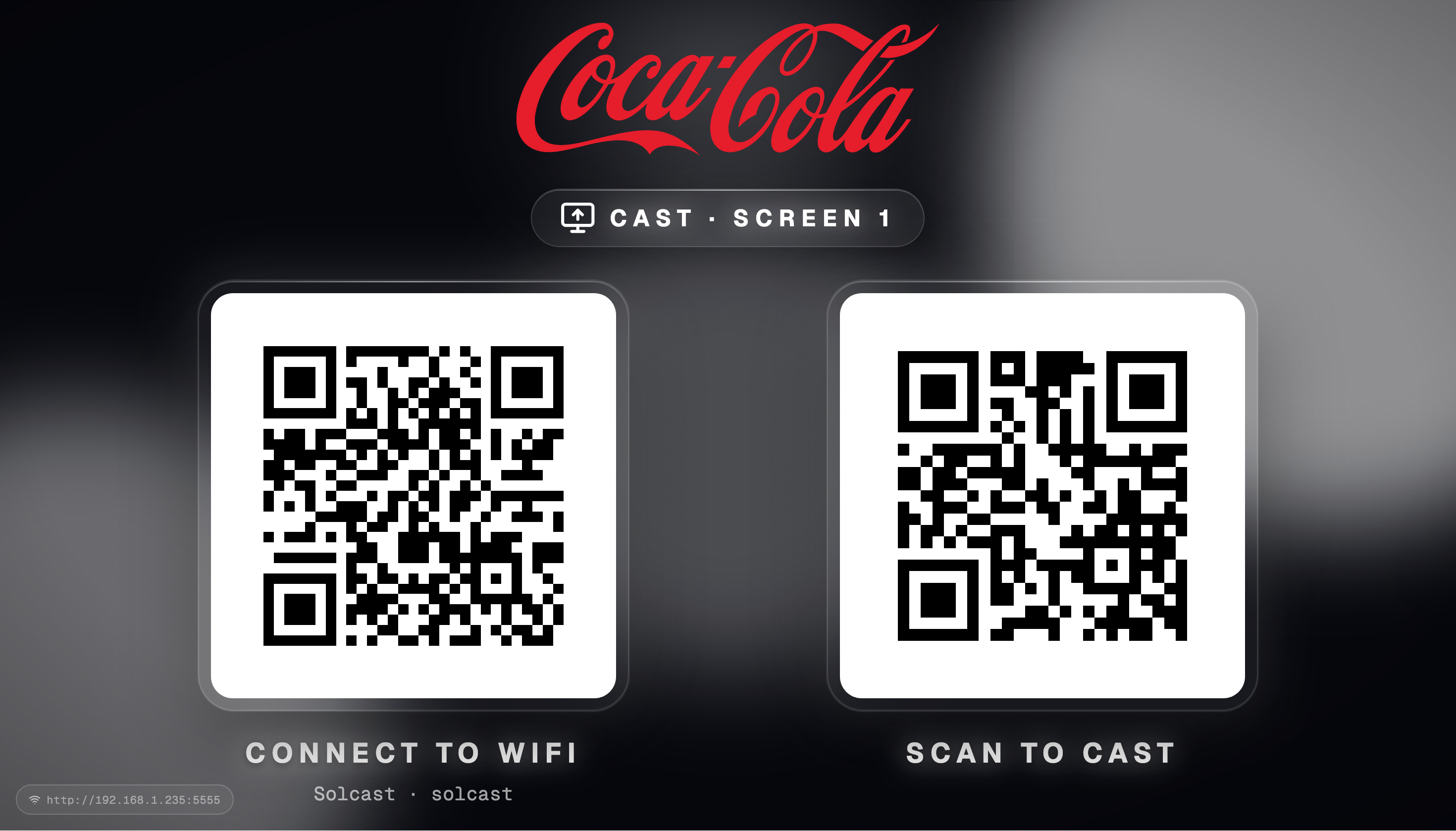
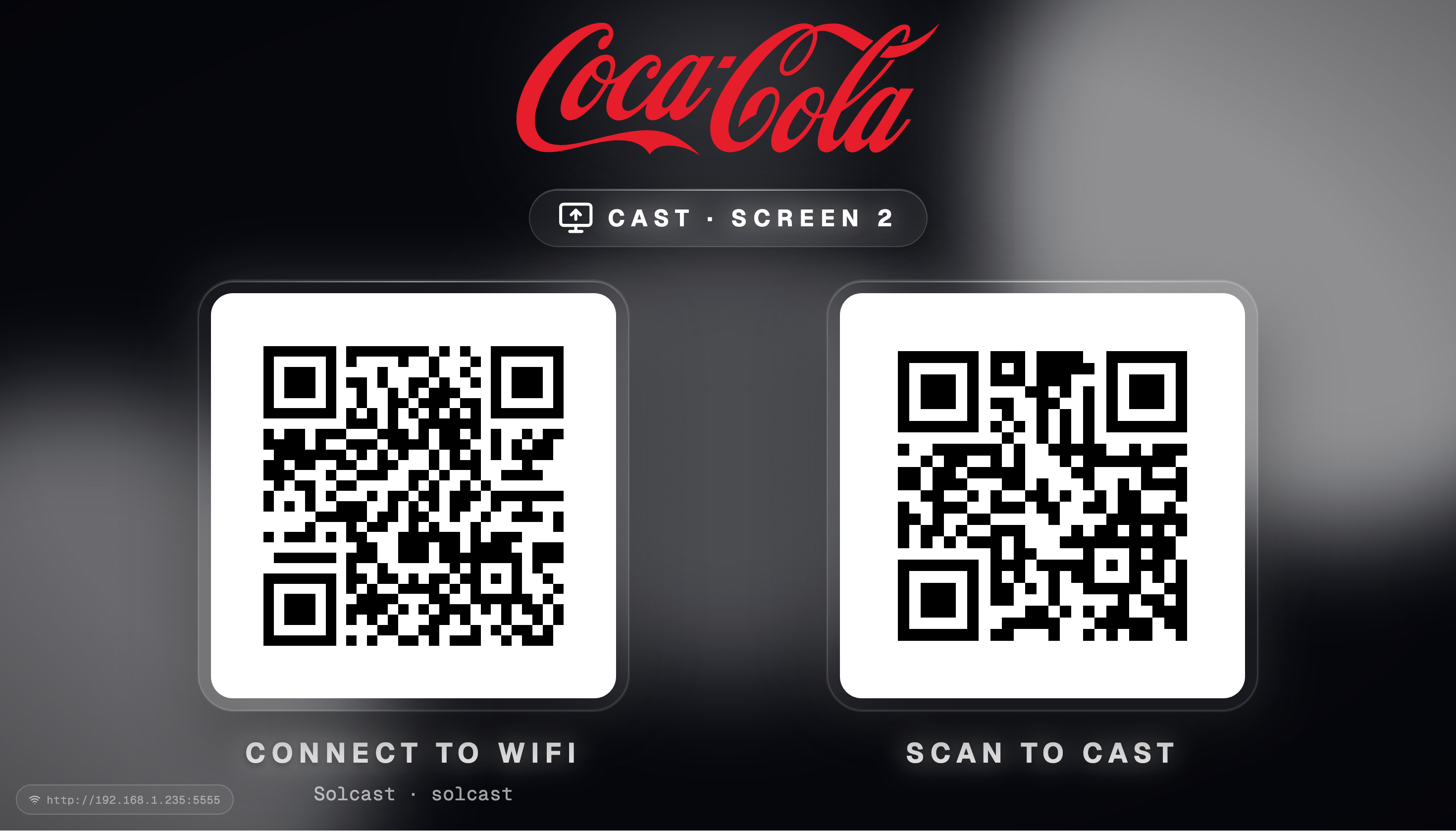
Drive two independent 4K displays from a single Soljacast device.
Branded casting that actually works.
Anything can be cast from any phone or laptop, no app required. We handle the protocol mess so you don't have to.
Dual-screen output
Drive two 4K displays independently from one Soljacast device.
App-free web casting
Guests scan a QR, open the URL, and cast. No install on phone or laptop.
Branded splash & signage
Your logo, your colors. The screen is on-brand the moment it powers on.
Cast anything
Decks, PDFs, video, YouTube, audio, web pages, screen shares, phone cameras.
Live AI translation
Speak into your phone, watch translated captions appear on screen in real time.
Events, PINs & security
Session-scoped uploads, PIN access, admin-only or public casting modes.
Casting at events is still painful.
Every venue has the same set of problems — and a different patchwork of half-working solutions.
01
USB sticks & lost files
Speakers walk in with pendrives. Files are missing, formats break, fonts swap, and the "final_v3" deck never opens cleanly.
02
Logging into someone else's laptop
Presenters hand over personal accounts, sign in to email, paste API keys, exposing sensitive data on event hardware.
03
Wireless casting that never works
Chromecast, AirPlay, Miracast. Each room a different protocol, each guest a different OS. Co-working setups break daily.
04
Generic, unbranded screens
A black HDMI input or a stock Windows desktop is the first thing your audience sees. No brand, no polish, no signage.
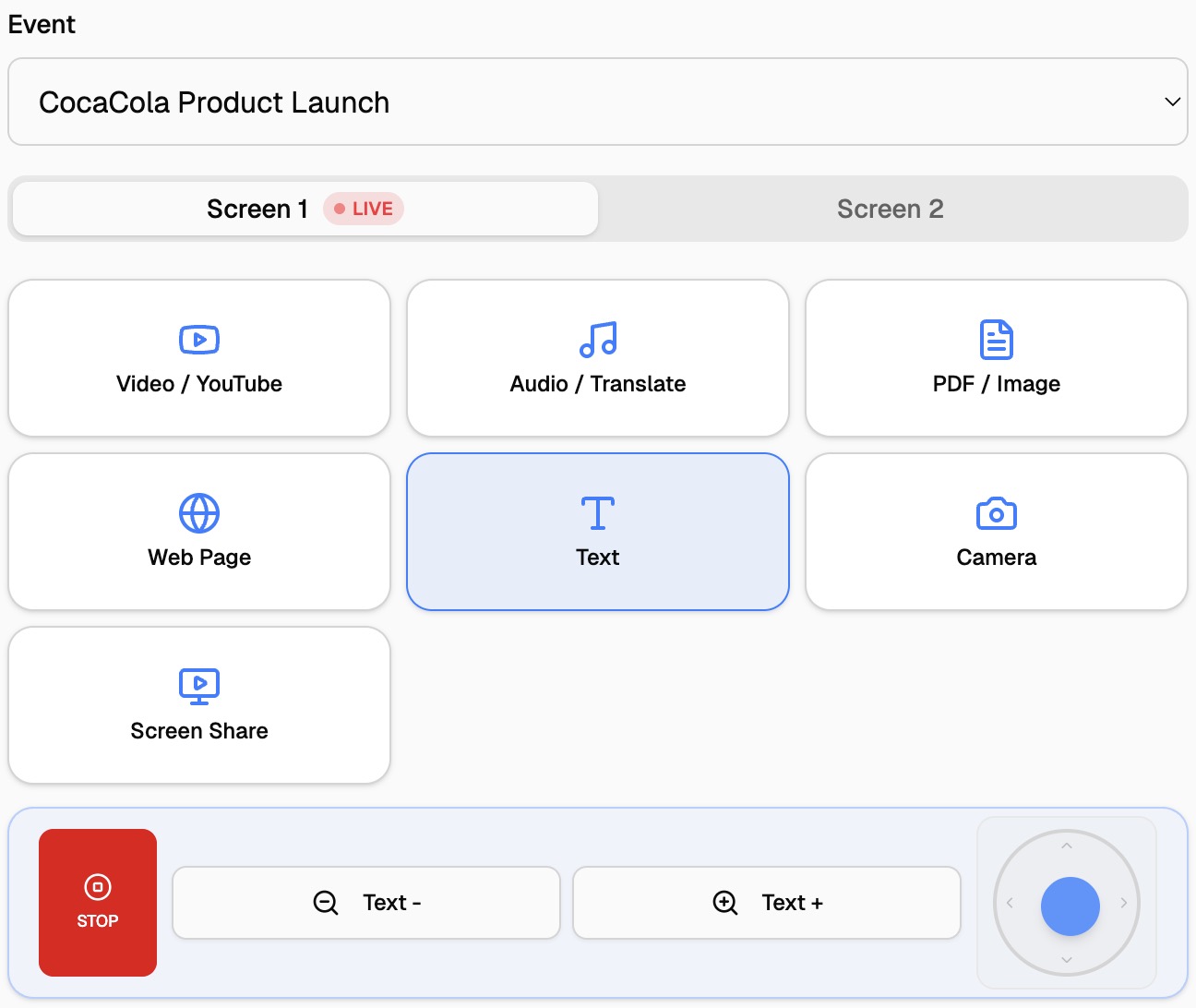
Two screens. Eight ways to cast.
Pick a screen, pick a source. Each output runs its own stream. Swap content on Screen 1 without touching Screen 2.
Video / YouTube
Local files or any YouTube URL.
Audio / Translate
Stream audio or live translated captions.
PDF / Image
Slides, photos, posters in high-res.
Web Page
Any URL, navigated remotely.
Text
Quick announcements & signage.
Camera
Phone or webcam, live to screen.
Screen Share
Mirror laptop or browser tab.
+ More
Same chooser on every device.
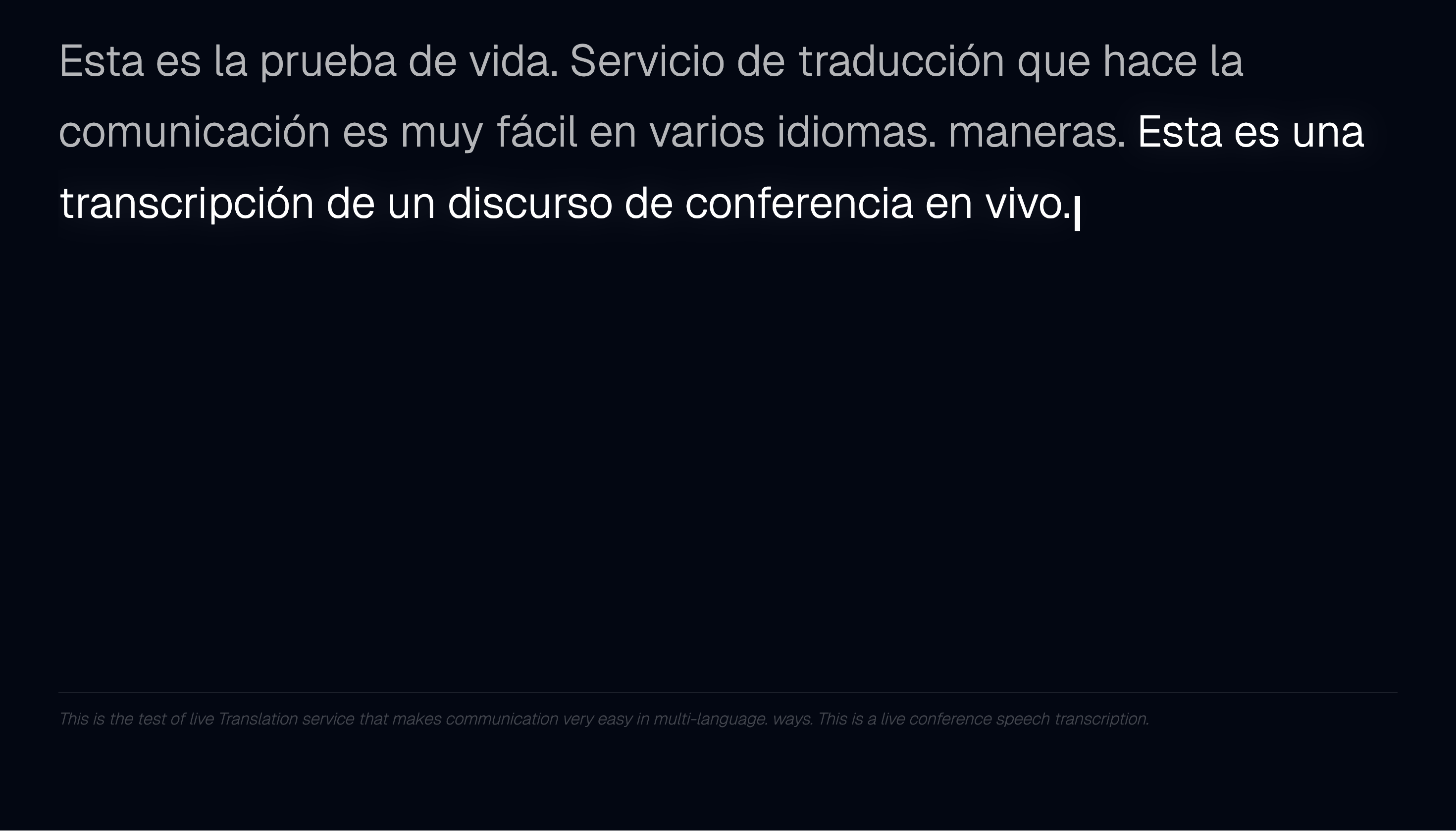
Live audio translation, on screen.
Speakers talk into their phone. The display shows real-time translated captions in any chosen language, powered by AI speech-to-text.
Public casting mode. Admin enables public access; users scan the QR to join.
Pick a language. Choose source language and target translation from the phone.
Near real-time. Captions stream to the connected display or projector as you speak.
Hands-free for speakers. No microphone setup, no laptop, no special software.
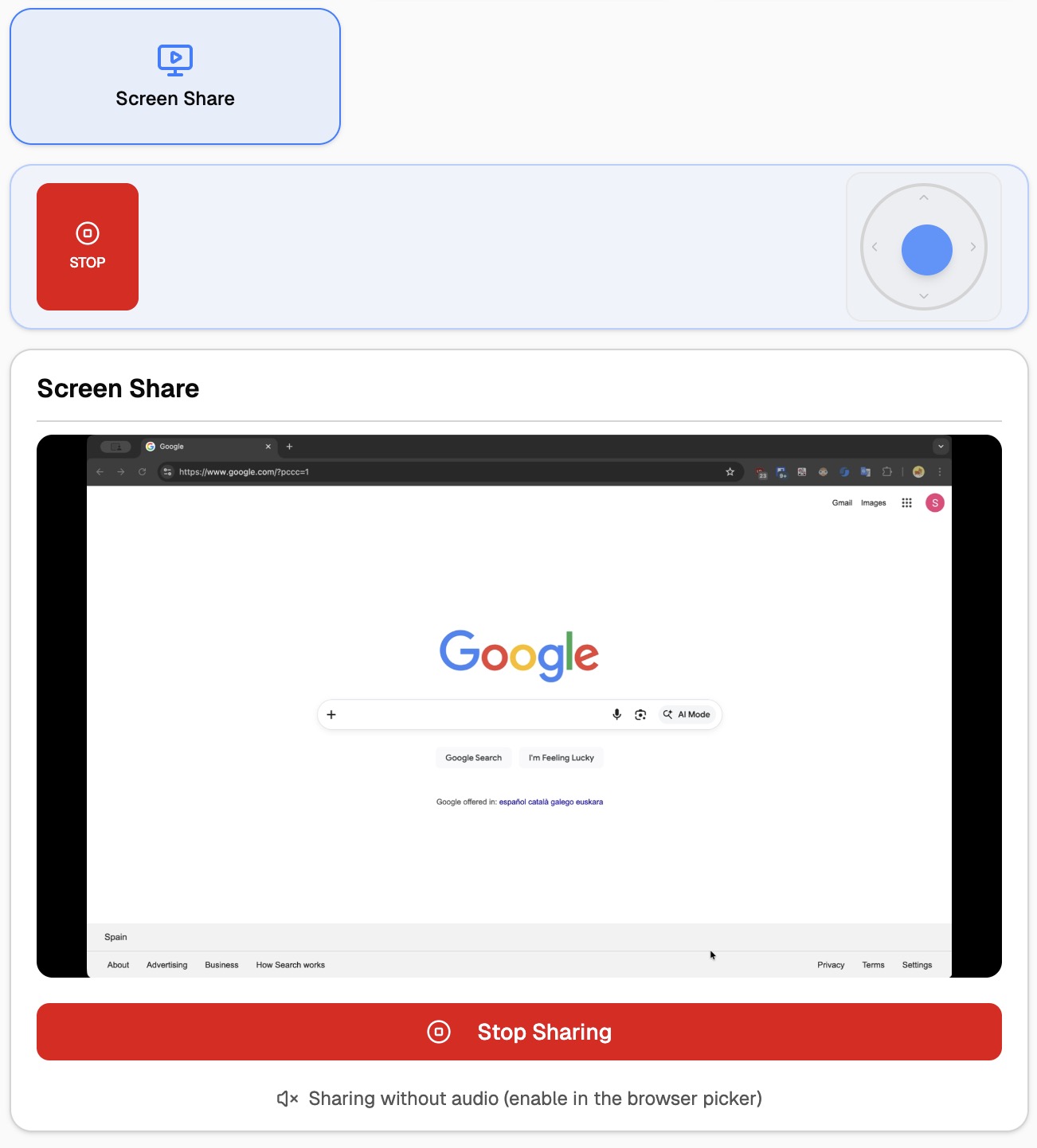
Laptop screen sharing, no install.
Join the venue Wi-Fi, open the Soljacast URL, choose Screen Share. Browser-native sharing handles the rest.
Standard browser flow. The familiar "Choose what to share" dialog. Tab, window or full screen.
Pick a target screen. Cast to Screen 1 or Screen 2 with one tap.
Works on Mac, Windows, Linux. Any modern browser. Chrome, Edge, Safari, Firefox.
System audio supported. Optional audio stream alongside the share.
Documents, web and text — fully navigable.
Each source becomes a navigable surface on screen. Flip between slides, scroll long PDFs and web pages, zoom into images. Drive everything from the on-screen joystick & controls in the cast UI.
Presentation
Image
Web Page

Video, audio and live camera.
Video files
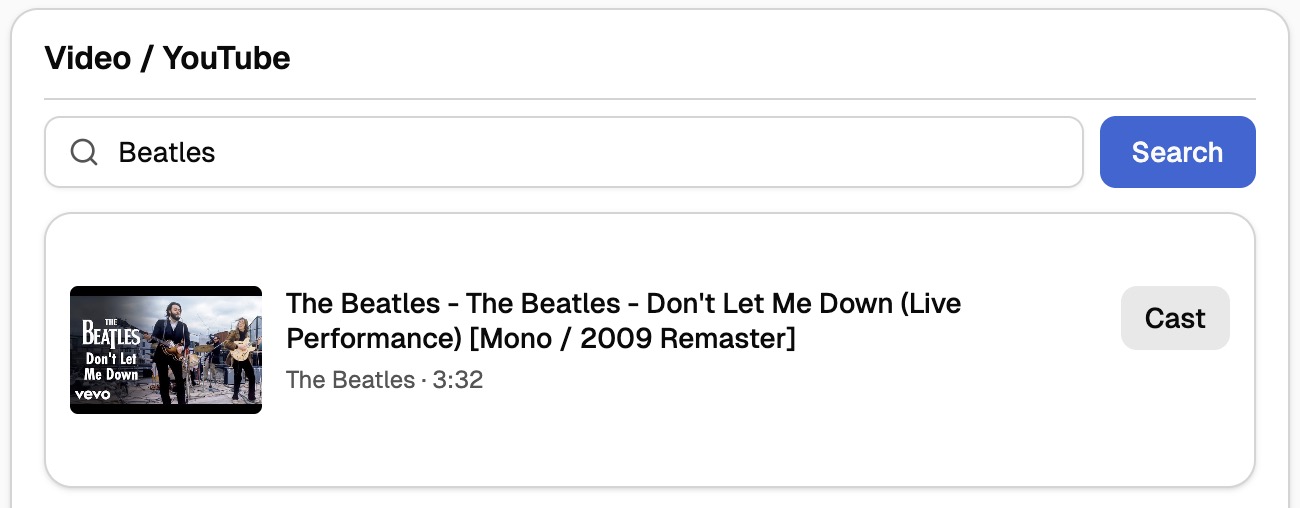
Upload MP4, MOV, MKV. Soljacast handles transcoding so playback is smooth on the display.
YouTube
Paste a link or search inline. Cast directly without ads on the projector or display.
Audio & URLs
Stream MP3, WAV or any audio URL. Use it for music, podcasts or background tracks.
Phone camera
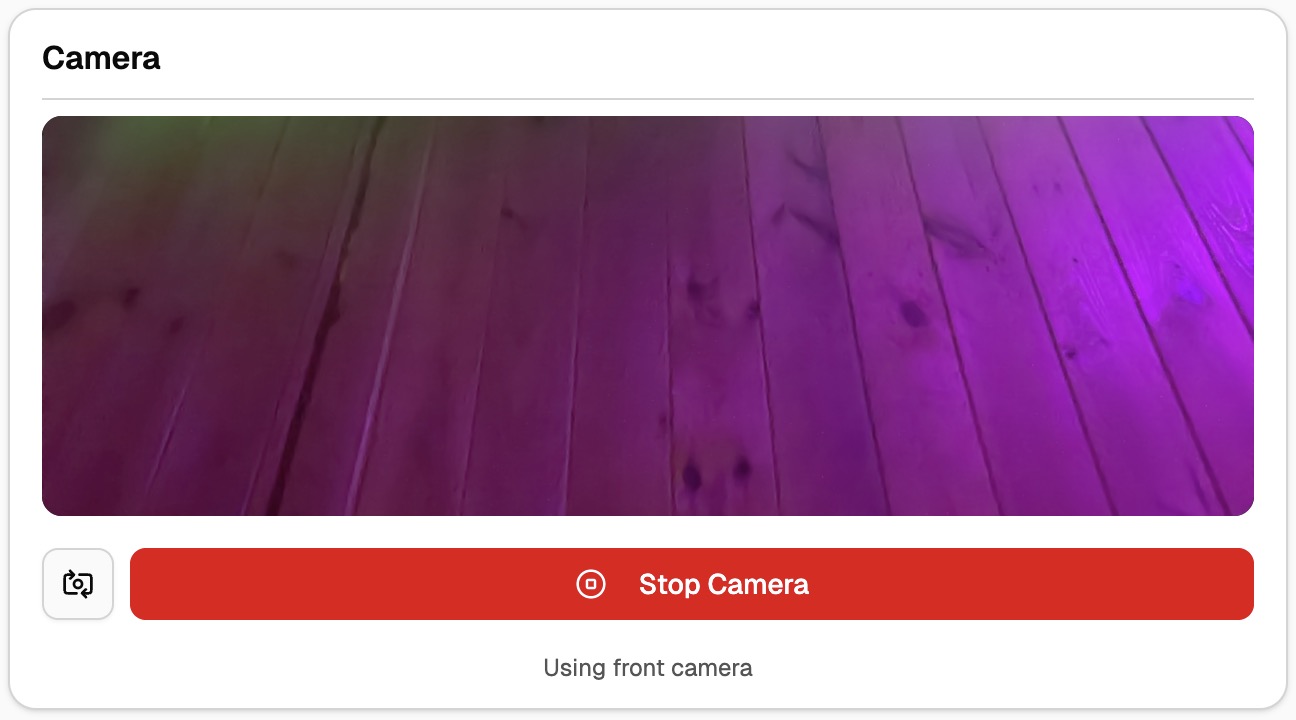
Open the web app, allow camera, and your phone becomes a live wireless camera input.
Events with PINs, brand control, and remote access.
No more pendrives. No more strangers logging into the event laptop. Attendees scan, enter the PIN, and cast — every transfer scoped to the session.
Branded splash & signage
Custom logo, colors and idle screens. The display is on-brand the moment it's powered on.
Tight access control
Choose admin-only or public casting per session. Decide who gets to put pixels on the screen.
Event sessions with PINs
Create sessions for repeat events. Attendees join with event name + PIN to upload or cast content.
Remote VPN management
Update content from anywhere. Perfect for marketing, digital signage and multi-site rollouts.